It’s been over two years since I last wrote here. My last post was about the MyQ integration getting pulled from Home Assistant — I was frustrated, ordering a ratgdo, and promising an update.
Well… a lot has happened since then. Both in my house and in the smart home world at large. So consider this my comeback post — a catch-up on where things stand in early 2026, what I’ve learned, and where I think this whole thing is headed.
What Changed in My Setup
When I last wrote, my setup was solid but had some rough edges. Blue Iris was handling cameras, MyQ was dying, and I was still figuring out the right mix of protocols. Here’s what’s different now:
Cameras: Blue Iris → Frigate NVR + Google Coral TPU
This was the single biggest upgrade. I ditched Blue Iris entirely and moved to Frigate NVR — an open-source, AI-powered NVR that runs locally and integrates natively with Home Assistant.
The game-changer is the Google Coral TPU. This little USB accelerator handles object detection (person, car, animal, package) in real-time across all my cameras without breaking a sweat. Detection happens locally — no cloud, no subscription, no privacy concerns. I get instant notifications when a person is detected in specific zones, and I can review events with thumbnails and video clips right from the Frigate UI or Home Assistant.
If you’re still running Blue Iris or paying for cloud-based camera AI, Frigate with a Coral TPU is worth a serious look. I’ll be doing a full setup guide in a future post.
The Garage Door Saga: MyQ → ratgdo (And It’s Perfect)
Remember when I ordered that ratgdo in my last post? Yeah, it’s been installed for over two years now and I haven’t thought about garage door control once since. That’s the highest compliment I can give a smart home device — it just works.
The ratgdo is an ESP32-based board that connects directly to your garage door opener’s serial port. It runs ESPHome, communicates locally, and gives you full control — open, close, light, obstruction sensor — all without any cloud dependency. No more Chamberlain blocking API access. No more random failures. Just reliable, local control.
The MyQ saga was a turning point for me. It crystallized something I now treat as a core principle: if a device requires a cloud service to function, it’s not truly yours.
Network: UniFi Dream Machine Pro
I rebuilt my entire home network around a UniFi Dream Machine Pro. Dedicated VLANs for IoT devices, separate WiFi networks, proper firewall rules keeping smart devices isolated from the main network. When you’re running 50+ connected devices, network architecture matters.
The UDMPRO also gives me detailed traffic analytics, IDS/IPS, and a single pane of glass for managing everything from access points to switches. It’s overkill for most homes, but for anyone running a serious smart home setup, proper networking infrastructure is the foundation everything else relies on.
Presence Detection: ESPHome Everything Presence Sensors
This one surprised me. I added Everything Presence Lite sensors — small ESPHome-based mmWave radar sensors that detect human presence in a room, not just motion. The difference matters: a PIR sensor sees you walk into a room, but an mmWave sensor knows you’re still sitting on the couch reading.
Combined with Home Assistant automations, these drive lighting, HVAC, and even media behavior based on actual room occupancy. Lights don’t turn off while you’re sitting still anymore. It sounds small, but it’s the kind of thing that makes a smart home feel genuinely intelligent.
Vehicles: Mercedes E450 + Ford F450 in Home Assistant
Both our vehicles — a 2022 Mercedes E450 Wagon and a 2022 Ford F450 — are integrated into Home Assistant. I can see location, fuel levels, lock status, and more right from my dashboard. The Mercedes integration uses the official Mercedes API, and the Ford uses FordPass. It’s surprisingly useful for things like arrival-based automations and knowing when the vehicles are home.
The Rest of the Stack
Some things haven’t changed — and that’s a good thing:
- ESPHome for custom devices — WLED strips, sensors, and the ratgdo.
- Rachio for sprinkler control.
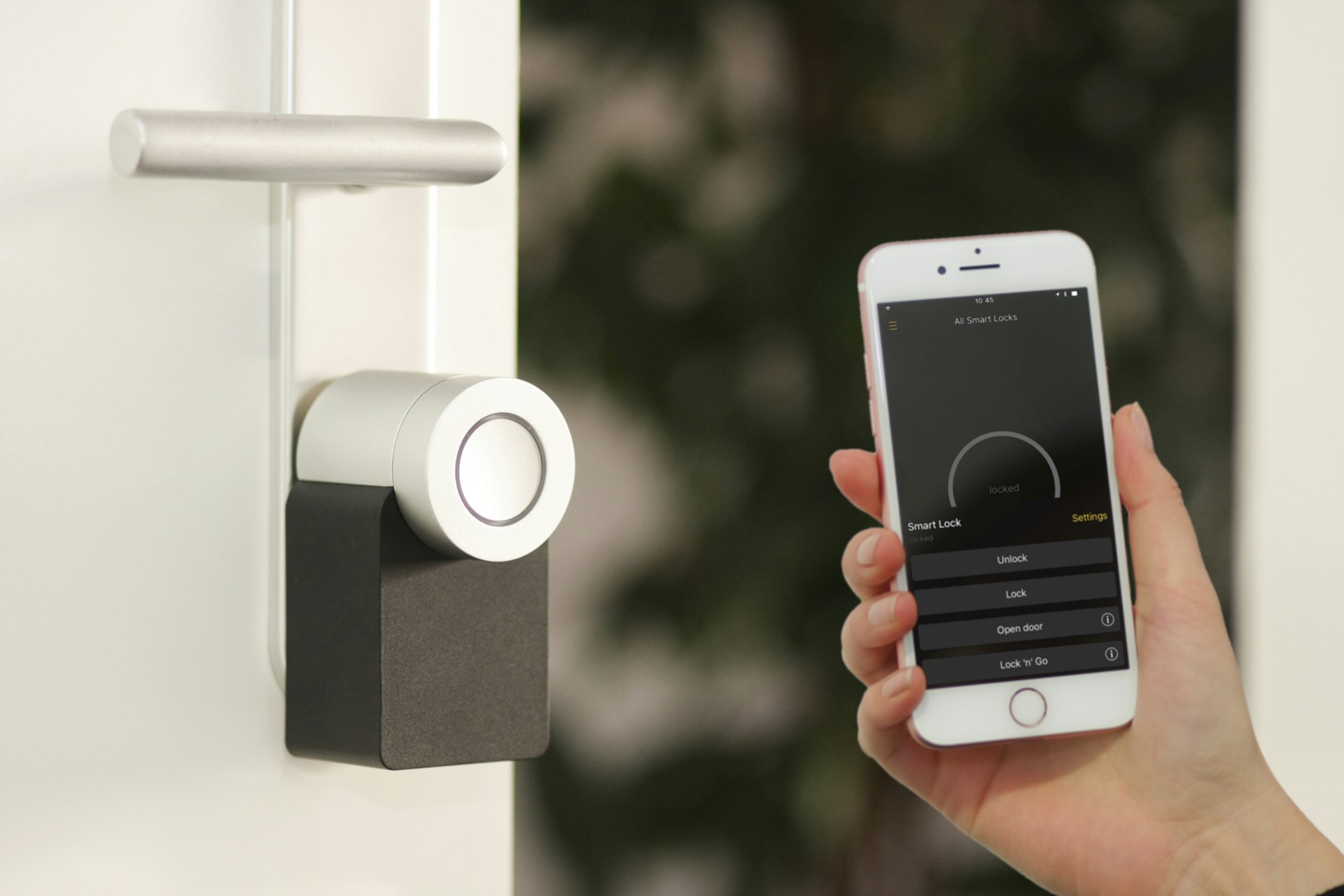
- Smart locks on all exterior doors.
Some things got removed:
- Ring — replaced by Frigate. No more subscriptions.
- Blue Iris — replaced by Frigate.
- MyQ — replaced by ratgdo.
- GMC integration — swapped for the Ford F450 with FordPass.
The pattern is clear: every change moved toward local control, open protocols, and eliminating cloud dependencies.
What Changed in the Industry
My setup didn’t evolve in a vacuum. The entire smart home industry has shifted dramatically since late 2023. Here are the biggest changes:
Matter: The Universal Standard (Finally)
Matter launched in late 2022, but it took until 2024-2025 for it to actually matter (pun intended). Built on IP by the Connectivity Standards Alliance — with Apple, Google, Amazon, and Samsung all at the table — it promises that smart home devices will “just work” regardless of ecosystem.
As of early 2026, Matter 1.5 is the current spec, and we’re finally seeing real adoption. New devices increasingly ship with Matter support, and Home Assistant has had native Matter integration since 2023. The protocol runs over WiFi and Thread, supports local control by default, and doesn’t require any specific hub ecosystem.
Is it perfect? No. The device type support is still growing, and some categories (cameras, robot vacuums) aren’t fully covered yet. But the direction is right, and for new device purchases, Matter compatibility is becoming a real factor in my buying decisions.
AI: The Biggest Shift in Smart Home History
This is the one that’s hard to overstate. When I last wrote in 2023, “AI in the smart home” meant Alexa occasionally misunderstanding your commands. In 2026, it means something fundamentally different.
Large Language Models (LLMs) have changed everything. We now have AI that can understand natural language, reason about context, and interact with smart home systems in ways that rigid voice commands never could. This isn’t about saying “Alexa, turn on the living room lights” — it’s about having a conversation with your home.
Here’s what’s happened:
- Home Assistant Assist + LLM Integration: Home Assistant’s built-in voice assistant, Assist, has matured significantly. It now supports LLM-powered conversations — you can connect it to OpenAI, Google, or even local models running on your own hardware. Ask it “is anyone home?” and it can check your presence sensors, locks, and vehicle trackers to give you a real answer.
- Home Assistant Voice Preview Edition: In December 2024, Home Assistant released dedicated voice hardware — a $69 device with dual mics, an XMOS audio chip, a speaker, and physical controls. It supports wake words, local or cloud processing, and even AI personalities. It’s their direct answer to Echo and Google Home, but open and private.
- Local LLMs: You can now run capable language models on your own hardware using tools like Ollama. I run a local Ollama server on my network, which means I can have AI-powered interactions with my smart home that never leave my house. No cloud, no API costs, no privacy concerns.
- AI-Powered Assistants: This is where it gets personal. I’m running an AI assistant called Engram that’s directly integrated with my Home Assistant instance. She can check device states, control my home, monitor my cameras via Frigate, check the weather, manage my calendar — and she does it through natural conversation, not rigid commands. She even proactively checks in during the day. It’s a fundamentally different experience from traditional voice assistants.
The AI shift is the most significant change in home automation since… well, since Home Assistant itself. We’ve gone from programming rigid automations to having genuine intelligence in the loop. And the fact that this can all run locally, privately, on your own hardware? That’s the dream.
Home Assistant: Open Home Foundation
Home Assistant became part of the Open Home Foundation, a non-profit dedicated to ensuring smart home technology remains open, private, and user-controlled. This is significant because it means HA’s governance is now structurally protected from acquisition or enshittification. The three principles — local control, privacy, and openness — are baked into the organization’s charter.
On the technical side, HA has continued its relentless monthly release cadence. We’re now on version 2026.2. The dashboard system got major upgrades, the automation editor is more powerful, energy management is built-in, and the integration count keeps climbing. It’s more accessible than ever for newcomers while still being endlessly customizable for power users.
Thread: The Network Protocol You’ll Actually Care About
Thread is a low-power mesh networking protocol designed specifically for IoT. It’s the transport layer underneath Matter for battery-powered and low-power devices. Unlike Zigbee and Z-Wave, Thread is IP-based, self-healing, and doesn’t require a proprietary hub — any Thread border router works with any Thread device.
Home Assistant has native Thread support, and devices from Apple (HomePod Mini), Google (Nest Hub), and standalone border routers can all participate in the same Thread network. If you’re buying new sensors or switches, Thread/Matter devices are increasingly the smart bet.
What I’ve Learned
After 17 years in home automation (yes, seventeen), here are the principles I’ve landed on:
- Local first, always. If a device requires a cloud service to function, it has an expiration date. MyQ taught me that. Every device in my house works without internet.
- Open protocols win. Zigbee, Z-Wave, Thread, Matter, ESPHome — these will outlast any proprietary ecosystem. Bet on standards, not brands.
- Reliability beats features. Lutron lighting isn’t the cheapest or flashiest, but it has never failed me. That matters more than any spec sheet.
- The network is the foundation. If your WiFi is flaky, your smart home is flaky. Invest in proper networking infrastructure before adding more devices.
- Document everything. I wish I’d started this blog sooner. Future you will thank present you for writing down how you set things up.
What’s Coming Next
This post is just the overview. I’m planning a series of deep dives into specific parts of my setup:
- Frigate NVR + Coral TPU — Complete setup guide from hardware to zones to notifications
- ratgdo — The full install experience and ESPHome configuration
- My complete device list — Every device, integration, and automation in my house
- UniFi networking for smart homes — VLANs, firewall rules, and IoT isolation
- Running an AI assistant with Home Assistant — How Engram works and why it’s different
If any of those sound interesting, let me know in the comments. I’ll prioritize based on what people want to read about.
It’s good to be back. Let’s automate some stuff.